
Prepping at a glance
- Check the exact device and service requirements.
- Use demo or test modes instead of real distress alerts.
- Keep a trip contact and non-electronic backup plan.
Identify what your device actually supports
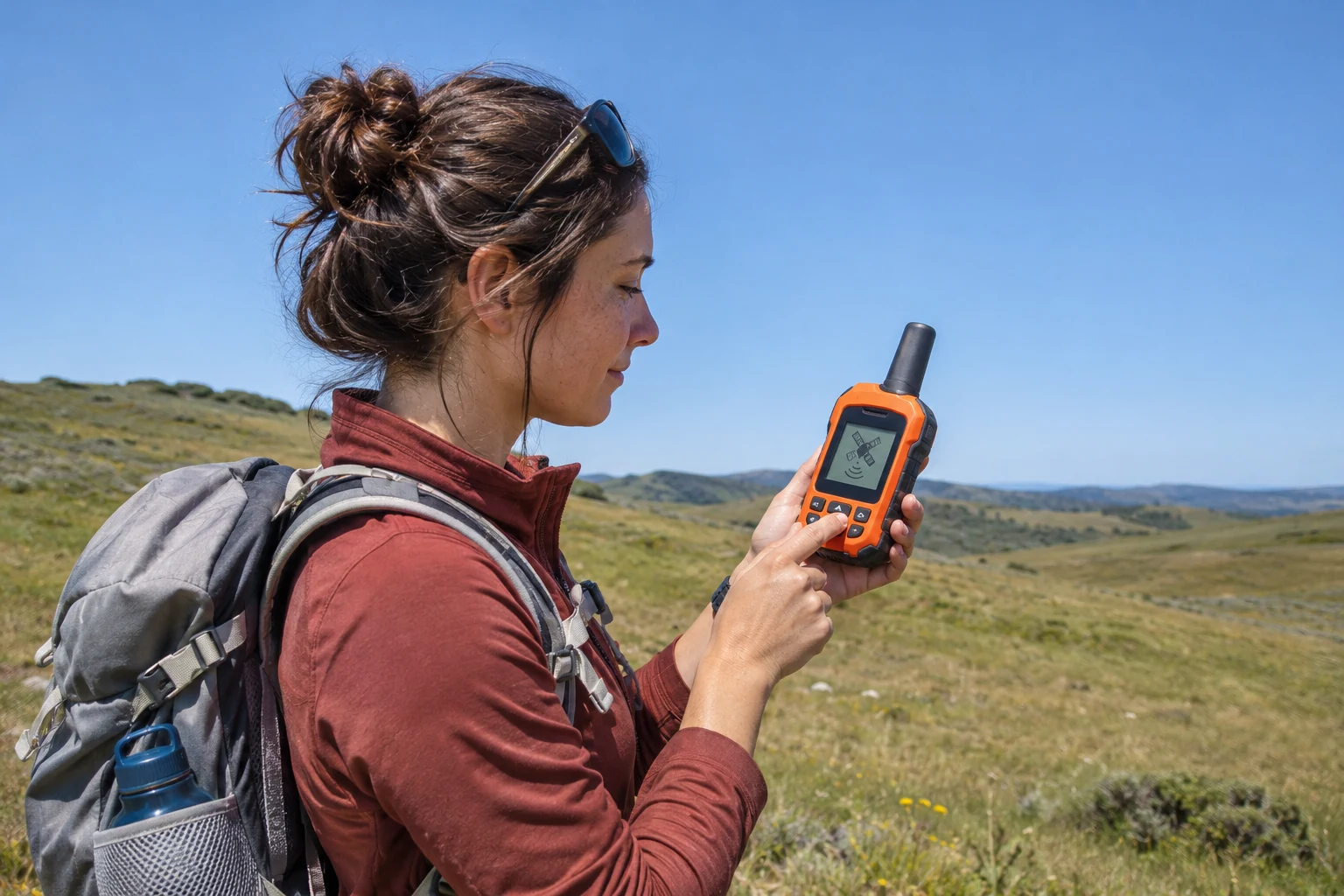
SOS without cell service is possible with some devices and services, but it is not a universal phone feature. Check the exact model, software, region and service requirements. Distinguish emergency SOS, ordinary satellite messaging, location sharing and a conventional cellular emergency call. Similar-looking menu labels can describe different capabilities.
For compatible iPhones, Apple: connecting to a satellite with iPhone explains satellite connection and demonstration features. If you use another phone, satellite messenger or personal locator beacon, read that product's official instructions and registration requirements. Do not assume a feature available to a friend is active on your own device. Record any subscription, renewal or activation step that the system depends on.
Prepare while the internet still works
Satellite SOS preparation includes software updates, a charged battery, required account setup and emergency-contact information. Verify availability for the countries and regions on the actual itinerary. Save instructions offline and make sure another adult knows where the device is carried. A communicator buried at the bottom of an inaccessible bag may be difficult to use after an injury.
Review the conditions needed for a connection, such as a suitable view of the sky, using the manufacturer's guidance. Terrain, buildings, foliage and other conditions can affect communication. Plan how you would reach a safer usable position without exposing yourself to additional danger. Do not make a risky climb simply to improve a signal.
Practice the approved demonstration
Use a manufacturer-provided demonstration or test procedure for emergency communication without coverage. Apple notes that its satellite SOS demonstration does not contact emergency services. Follow the instructions carefully and distinguish the practice mode from a live alert. Never send a real SOS simply to see whether someone answers.
Practice reading the prompts, orienting the device and explaining your location and problem. If the device supports two-way messages, understand how to notice and respond to incoming instructions. Check accessibility needs: screen visibility, hand use, hearing and the ability to operate controls while wearing ordinary outdoor clothing. Ask the provider about unclear behavior before relying on the feature.
Keep the response plan realistic
Satellite capability does not guarantee immediate rescue or remove the need for food, water, clothing and shelter appropriate to the trip. Leave a route and return plan with a trusted contact, including instructions for an overdue report. Carry suitable navigation and know when to turn around before a problem becomes an emergency.
Before each trip, review battery condition, service status and any relevant product notices. Keep a concise checklist with the device and repeat the approved demo after major software or equipment changes. In an actual emergency, provide accurate information and follow responder directions rather than sending contradictory messages through several systems. The useful preparation is knowing exactly what your equipment can do, what it needs and what you will do if it cannot connect.