
Prepping at a glance
- Organize information by the task you must complete.
- Test files without internet or account access.
- Keep sensitive records separate and protected.
Collect answers to your actual tasks
Offline survival information becomes useful when it answers a question you are likely to have. Start with household contacts, evacuation routes, local alert information, equipment manuals and care plans prepared with relevant professionals. Add authoritative guidance for the hazards you face. Avoid downloading an enormous archive simply because its title promises self-reliance.
Write a short list of tasks: operate the radio, locate a meeting place, identify a device's approved power connection or find a supply inventory. Each task should lead to one clear document. Massachusetts emergency management: family emergency plans provides a household-planning foundation, while Ready.gov emergency supply checklist can help organize the supply side. Your library should reflect your equipment and people, not an anonymous average household.
Choose reliable and current material
Prefer issuing authorities, manufacturers, public-health organizations and qualified training providers. Record the source, publication or review date and date you saved the file. Avoid undated screenshots of technical or medical advice whose origin cannot be checked. Keep local instructions clearly distinguished from general guidance that may not apply to your area.
Offline emergency documents should include the exact model manuals for devices you own. A manual for a similar-looking radio or battery can lead to the wrong settings. For medical needs, store the care team's specific plan securely rather than assembling treatment instructions from internet fragments. A reference collection supports trained judgment; it does not replace training or professional advice.
Make the files work without a connection
Use clear folder names such as contacts, routes, equipment and household supplies. Give files descriptive names and retain readable formats that your device can open locally. Confirm that cloud-storage icons represent downloaded files rather than shortcuts requiring a connection. Test with networking unavailable in a safe setting, then restore normal service.
Search for a document from its task name and open it from scratch. Check whether diagrams are legible, pages are complete and a login or subscription blocks access. Keep a charged device and compatible power arrangement, but do not let the entire library depend on one screen. Store protected backups according to the sensitivity of the material.
Print the pages you need fastest
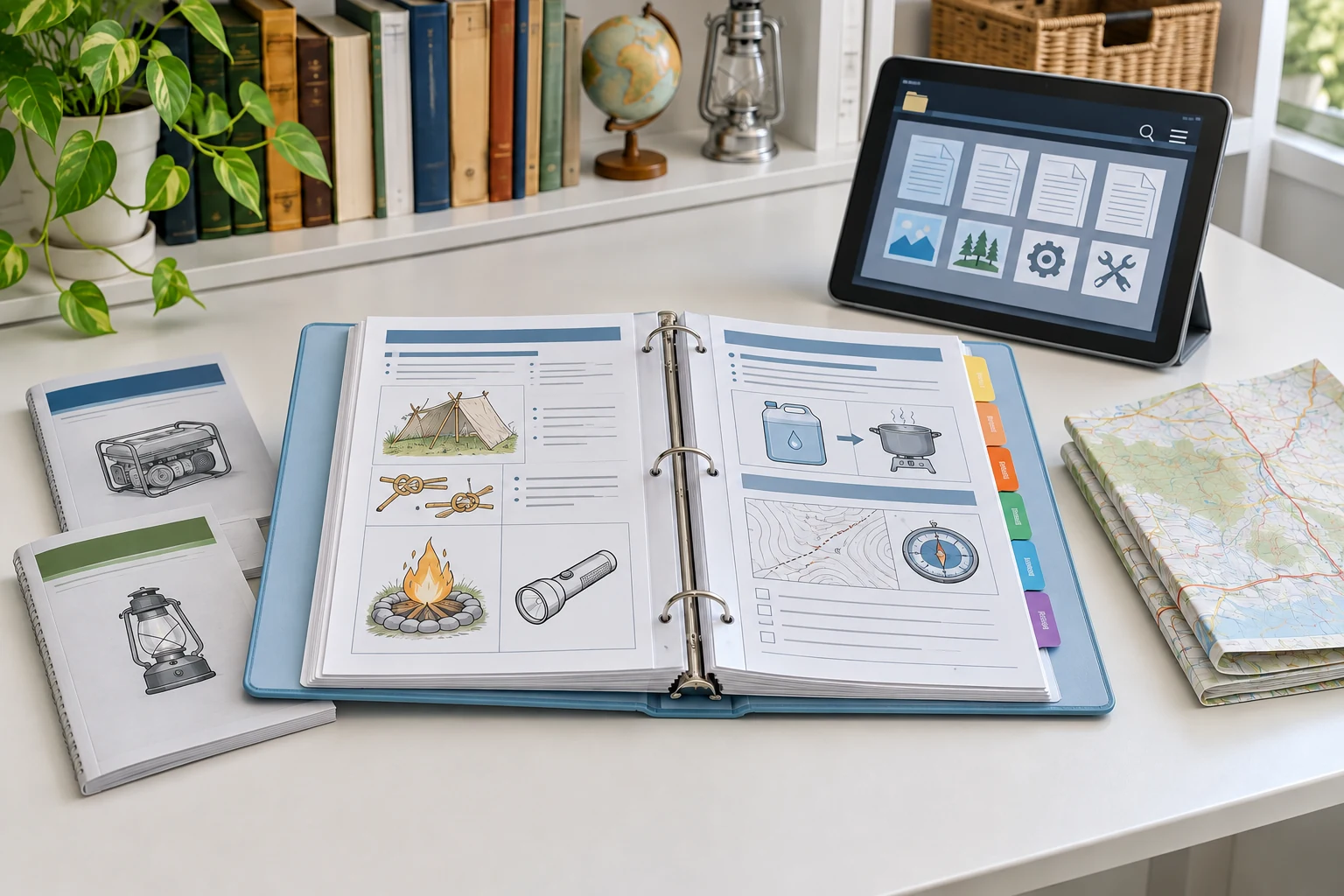
A printed preparedness reference should prioritize contacts, meeting arrangements, essential checklists and concise operating notes. Use readable type and a simple index, and protect pages from likely moisture without making them difficult to use. Keep highly sensitive records in a separate secure arrangement so a general household binder can be shared appropriately.
Schedule a review after equipment changes, moves or major household updates. Remove superseded instructions rather than keeping conflicting versions side by side. Ask another household member to find three answers without your help and improve the index where they struggle. The finished library should feel manageable: a small collection of trusted, accessible information that helps complete the next practical task when internet searching is unavailable.