
Prepping at a glance
- Match the transmitter and area settings.
- Confirm alert behavior on backup power.
- Write the action that follows each relevant hazard alert.
Identify the receiver and its features
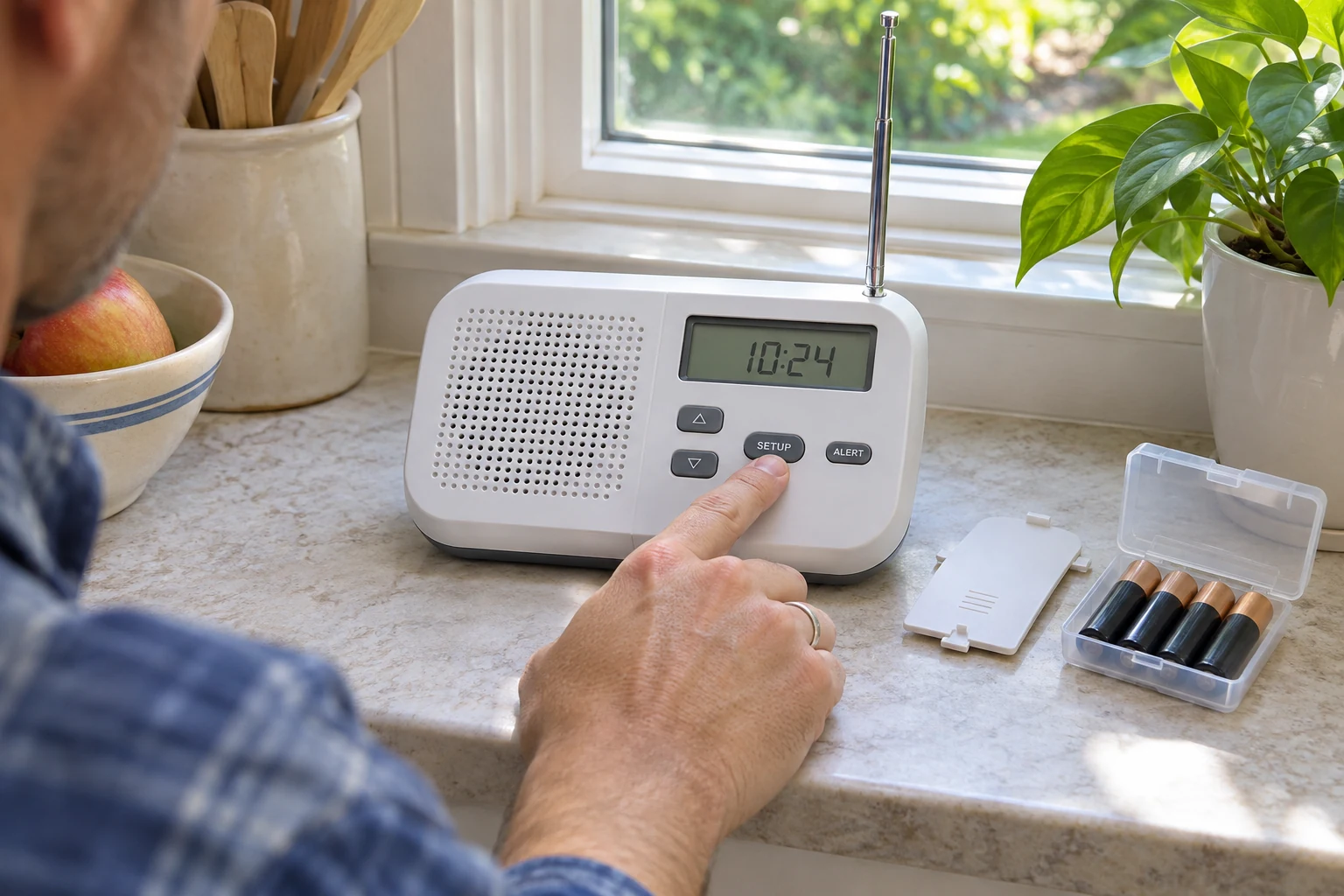
Learning how to use a weather radio starts with the exact manual. Confirm whether the device merely receives weather broadcasts or also activates an alarm for alerts. Find the normal power source, backup arrangement, volume controls and settings that affect alert behavior. Do not assume another model's menu sequence applies.
NOAA Weather Radio receiver features explains common receiver capabilities. Write a short weather radio setup card for your device with the channel, area settings and power requirements. Keep the full manual available offline as well. A small labeled card can help someone restore the configuration after an accidental reset without navigating a long manual during a storm.
Choose the appropriate local broadcast
Check NOAA's local transmitter information and identify the station serving the location where the radio will operate. If the receiver uses SAME, enter the relevant area codes following the manual and NOAA Weather Radio: using SAME. The strongest audible signal is not automatically the right station for the alerts you need.
Place the radio where reception is dependable and the alert can be noticed. Try a different safe position if reception is poor. Keep it away from locations where it is likely to be unplugged, covered or moved without anyone noticing. If several areas are programmed, label them so an alert for a relative's county is not confused with a threat at your own address.
Test without creating a false alarm
Use the manufacturer's procedure and locally published information for a NOAA radio alert test. Confirm the local test schedule and any reasons tests may be delayed; do not assume every station follows an identical timing pattern. Verify whether the device's built-in alarm demonstration tests only the sound or also actual reception.
Check backup operation according to the manual. Confirm installed batteries are the correct type and that alert settings survive the power change. Include anyone who may need visual, vibration or other accessible notifications, using compatible equipment where appropriate. A radio heard clearly in the kitchen may not wake someone behind a closed bedroom door.
Practice the response after the sound
Play through a harmless example with the household: identify the hazard, affected place, timing and recommended action, then point to the corresponding plan. Practice moving to the designated safe area or finding departure supplies without rushing or disabling safety systems. Explain who helps children, pets or someone needing assistance.
Keep another reliable alert route and review local emergency instructions. Recheck the radio after travel, a reset, new batteries or a change of address. During an actual alert, listen to the complete message rather than reacting only to the tone. The purpose of setup is not simply a functioning display; it is a dependable chain from receiving information to taking an appropriate action.