
Prepping at a glance
- Verify reception for your actual location.
- Check alert and SAME functions explicitly.
- Test backup power and household accessibility.
Buy for alerts, not the label alone
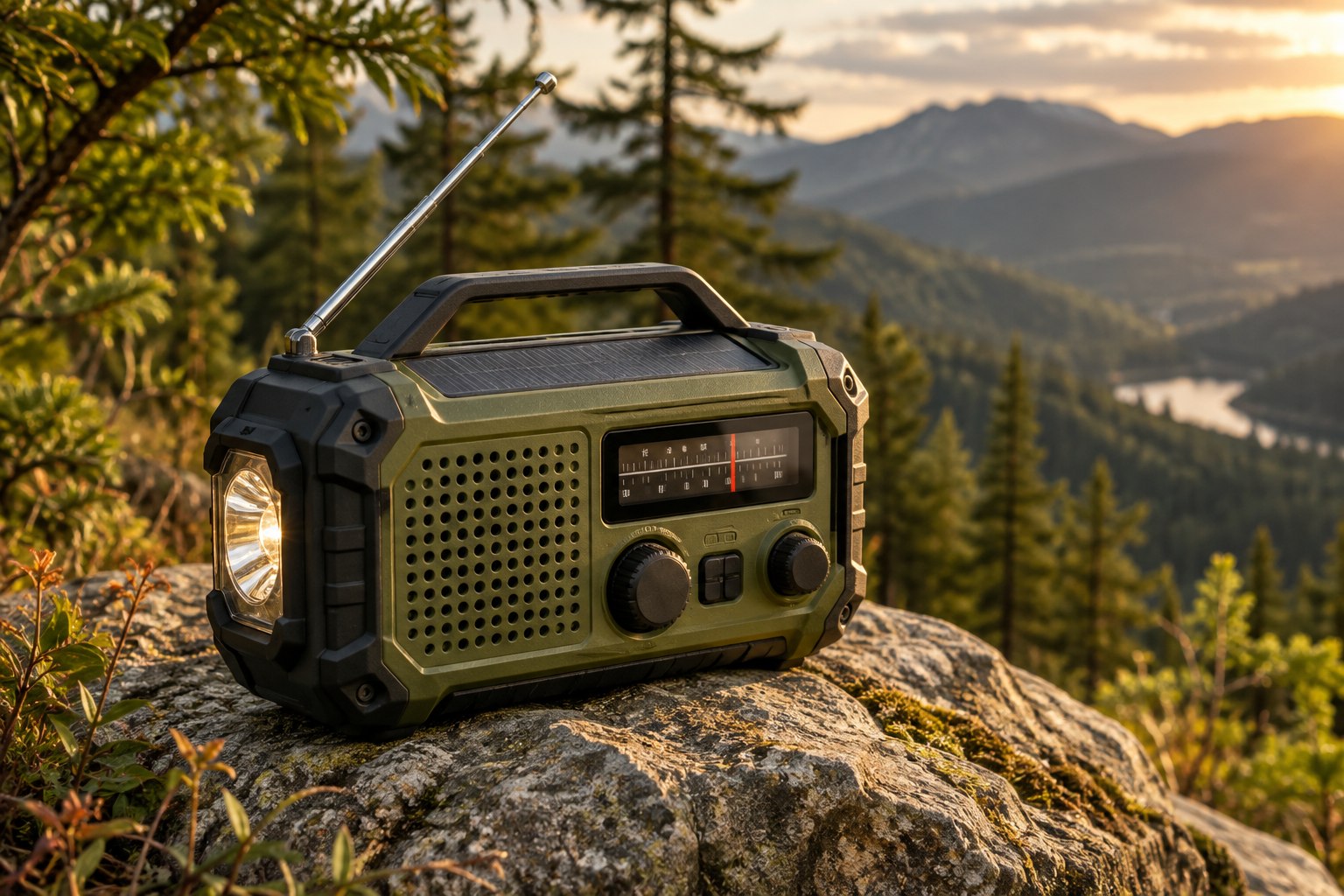
The best emergency weather radio is the one that receives the appropriate local broadcast and gets your attention when needed. A device may tune to weather channels without automatically alerting while you sleep. Read the manual and distinguish a receiver, an alerting receiver and any additional features such as a flashlight or phone charger.
NOAA Weather Radio receiver features explains NOAA weather radio features including alert functions. Decide where the radio will live and who needs to notice it. A bedside receiver used every day has different priorities from a compact unit carried during travel. Do not assume a hand crank or solar panel compensates for weak reception or an alarm that cannot be heard.
Understand county filtering
A SAME weather radio can use location codes to filter certain alerts for selected areas. That can reduce irrelevant alarms, but correct programming matters. NOAA Weather Radio: using SAME directs users to match the area and appropriate transmitter. A strong station from the wrong service area may not provide the alerts you intended to receive.
Write down the channel, programmed locations and why each was included. If you travel or care for relatives elsewhere, decide whether additional areas are useful or create confusion. Check the manual for event filtering and default settings before disabling anything. The goal is relevant awareness, not a completely silent radio that misses an important message.
Compare power and accessibility
Look at the normal power source and what happens when it fails. Does the display clearly show backup batteries are installed? Will alerting continue during an outage? Are battery sizes easy to maintain alongside other household devices? These questions are more useful than an advertised list of many features with little explanation.
Consider hearing, vision and dexterity needs. Check whether the radio supports appropriate external alerts or accessible controls if someone cannot rely on sound alone. Try button size, menu readability and volume in the actual room. If you choose a portable model, see whether controls can be locked to prevent accidental changes inside a bag. Keep concise setup notes with the device.
Verify it after installation
Place the radio where reception is stable and test it using the manufacturer's procedure and the local station's scheduled test information. Scheduled broadcasts can change or be postponed, so verify locally rather than assuming a universal day and time. Confirm performance on backup power without disabling other safety systems.
Write a household response card: hear the alert, identify the affected area and hazard, read or listen to the full message, then follow the corresponding plan. Keep another alert route such as local emergency notifications. Recheck programming after travel, battery replacement or a reset. A radio becomes valuable when the household recognizes the signal and knows what action follows it.