
Prepping at a glance
- Download the full route and alternate areas.
- Test offline behavior before departure.
- Keep essential locations and routes on paper.
Decide what the map must do
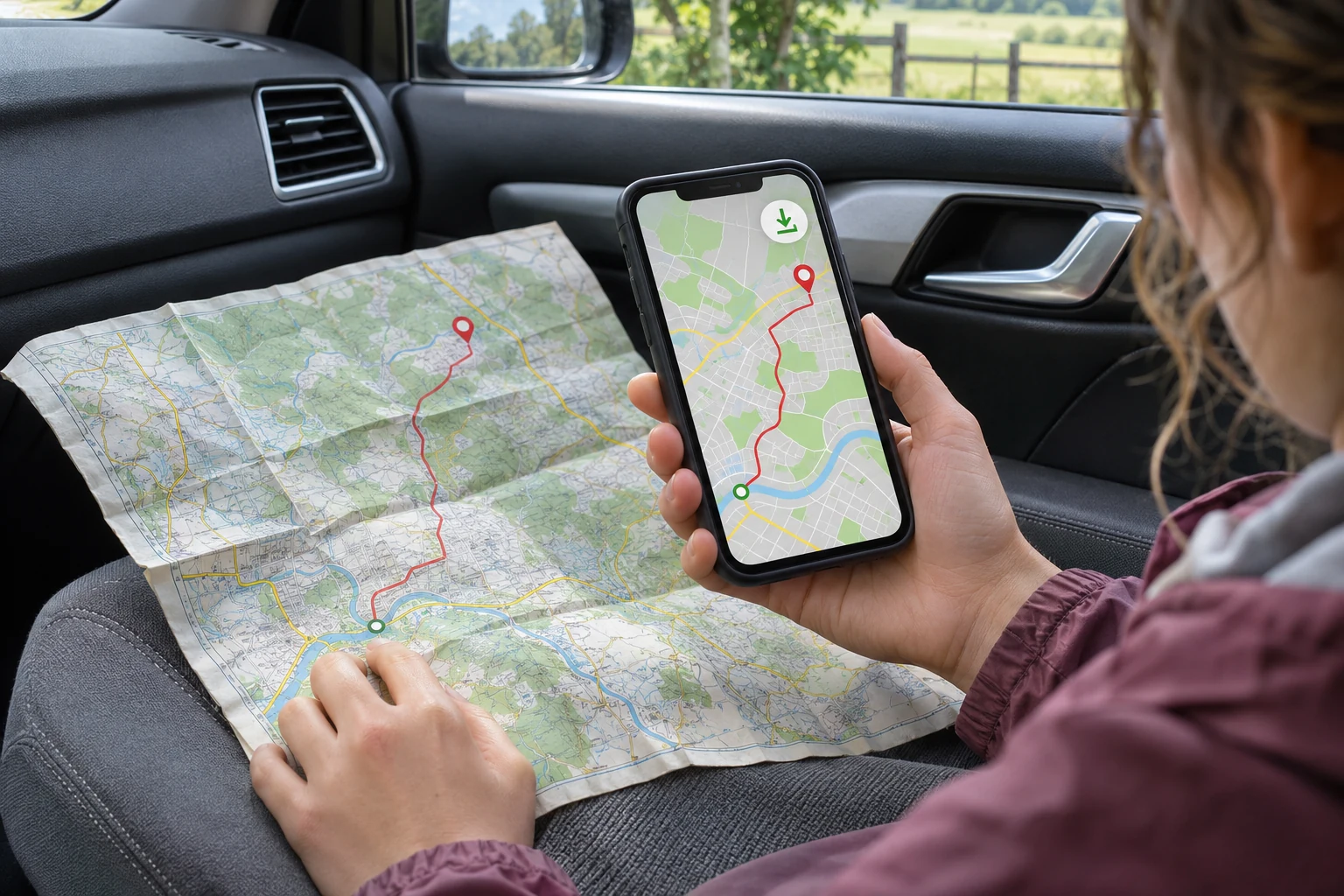
Offline maps for emergencies should cover the journeys you may actually make: home to work, a relative's house, a planned shelter or an evacuation destination. Include surrounding areas so a closure does not push you beyond the downloaded boundary. Save important destinations by address and recognizable name rather than relying on a search you may not be able to perform later.
Write down the features you need, such as road navigation, walking routes or topographic detail. Different applications support different offline functions. Do not assume that a map visible on screen means all routing, search and information features are stored on the device.
Download and inspect the coverage
Download maps before travel while you have a dependable connection and adequate device storage. Google Maps: download areas and navigate offline explains Google Maps downloading and notes limitations that vary by region and feature. If you use a different application, check its own instructions rather than copying steps from another product.
Inspect the edges of the downloaded area, not just the destination pin. Include alternate crossings and reasonable diversion corridors where possible. Label each saved area clearly and record its update date. Confirm that the application has finished downloading before leaving. A partially cached route can look reassuring near home and fail when you pan to the part you actually need.
Test a realistic offline task
In a safe location, disable mobile data and Wi-Fi temporarily while preserving any essential communications needs. Open the application from scratch, find the saved destination and test the features you expect to use. Restore normal connectivity after the test. Note anything that requires a login, subscription, server connection or additional download.
Practice reading the map without voice directions. Identify major roads, landmarks and the next decision point. Keep the device charged and store a compatible cable and power source. Offline data does not solve battery failure, a broken screen or a forgotten passcode. Review location settings and product instructions so you understand which functions continue independently of network service.
Make the paper fallback practical
A paper map backup should be readable without a magnifier and cover the necessary area. Mark key destinations and write their addresses, contact numbers and any important access details on a separate card. Protect the pages from moisture without making them impossible to unfold. A screenshot with tiny street names may be less useful than a properly scaled map.
Review maps after major route changes and before seasonal travel. During a real incident, road closures and evacuation instructions may supersede stored data; use official updates when available and do not drive through a closure because an offline route suggests it. Keep navigation decisions calm and lawful. The strongest setup combines downloaded coverage, paper essentials, available alerts and the willingness to choose a safe waiting location when information is uncertain.